Face swap vs head swap: what's the real difference?
A face swap changes the face in a photo. A head swap also replaces the hair, hairline and head shape. On Headloom both are whole-head edits: the face and hair are rebuilt together, so it doesn't look like a pasted-on mask. Clothes, pose, hands, background and light stay as shot, in high resolution, with no pixel shift.
What each name usually means
People use the two names as if they were one button. A face swap changes the face in the frame. A head swap also replaces the hair, the hairline and the shape of the head. On Headloom both are whole-head edits: the face and hair are rebuilt together. It does not keep the original hair.
The table shows what the two names usually mean. It isn't two modes sitting side by side on Headloom. In either case, the clothes, pose, hands, background and light stay as they were shot.
| Part | Face swap, in general | Head swap |
|---|---|---|
| What changes | The face | The face, plus the hair, hairline and head shape |
| When to use it | You only need a different face | The new person needs different hair, which is the usual catalogue job |
| Who it is for | Creators editing a single frame | Fashion brands and catalogue teams |
What a face swap usually means online
Most consumer apps mean a mask. They drop a new face in and stop at the jaw. That can pass in a casual edit. On a fashion photograph it looks wrong, because the hairline turns into a hard edge and the hair doesn't match the new face.
Fashion and product work almost always needs the hair to change with the face. A bob and a long centre part aren't the same head, even when the expression is close. If that's the job, plan on a face swap with hair, not a mask set inside someone else's haircut.
On Headloom the face swap is already that wider edit. The face and the hair are rebuilt together, so the edge doesn't look cut out. The garment you care about stays as it is in the file you uploaded: the buttons, a stripe, a collar, the fold of a sleeve.
What a head swap adds
In the usual sense, a head swap is the wider of the two. The hair, the hairline and the head shape change, and the skin is matched where the new head meets the neck. Searching head swap vs face swap is the same question from the other side: how much of the person changes, and how much of the photograph stays.
The difference between face swap and head swap is that extra region. A face and hair swap is the head-swap side of the comparison. Neither one is a licence to restage the shot. The room, the light and the way the person is standing stay put.
The neck is the other giveaway. A mask ends in a line under the jaw. A proper head edit carries the new skin tone down to where the collar starts, so the join doesn't look like a second person. Fashion teams notice that even when the face itself looks right.
If you're briefing a retoucher, name the region. "Change the face" is how a mask gets delivered. "Change the head, hair included, and leave the garment" is the edit a catalogue actually needs. On Headloom, both requests get the same kind of result today. The page you land on may follow the words you searched, but the photo you get back is a whole-head edit either way.
The same shot, both readings
These are stored before and after examples from Headloom, so you can see which region changes. They aren't a live swap, and they aren't two different products. In each pair the face and the hair change together. The clothes, the hands and the room don't.
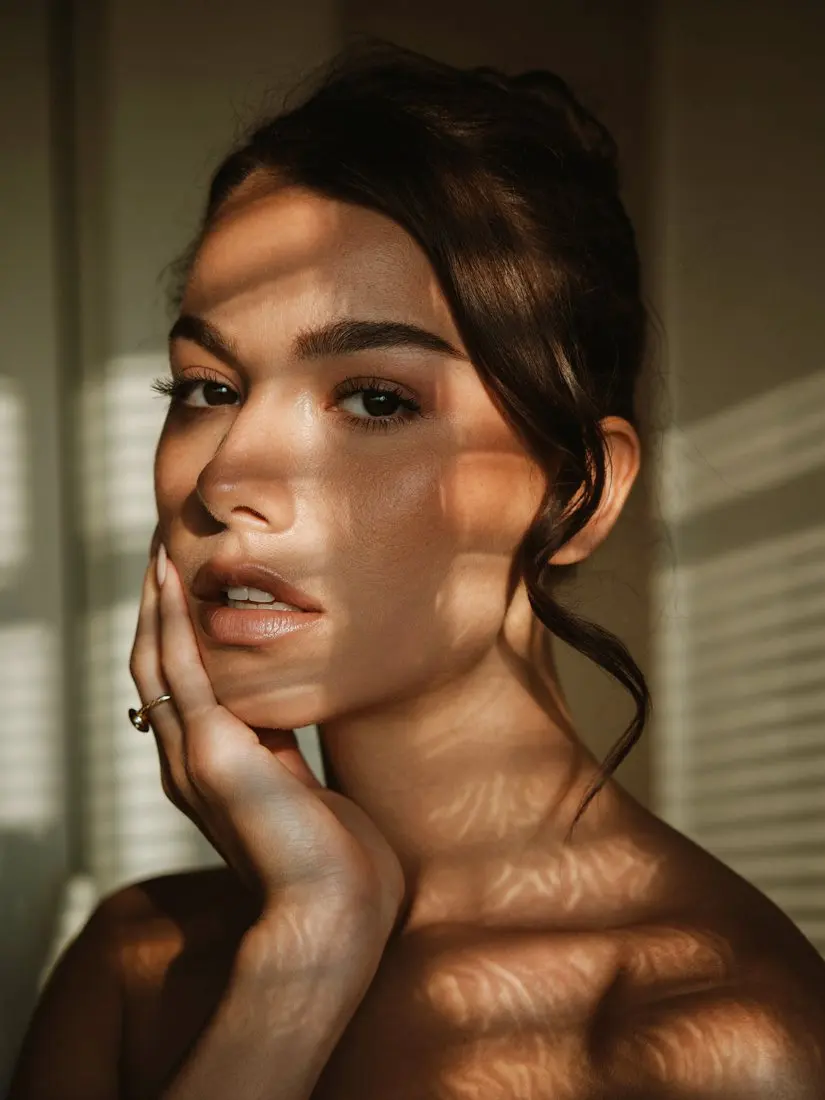
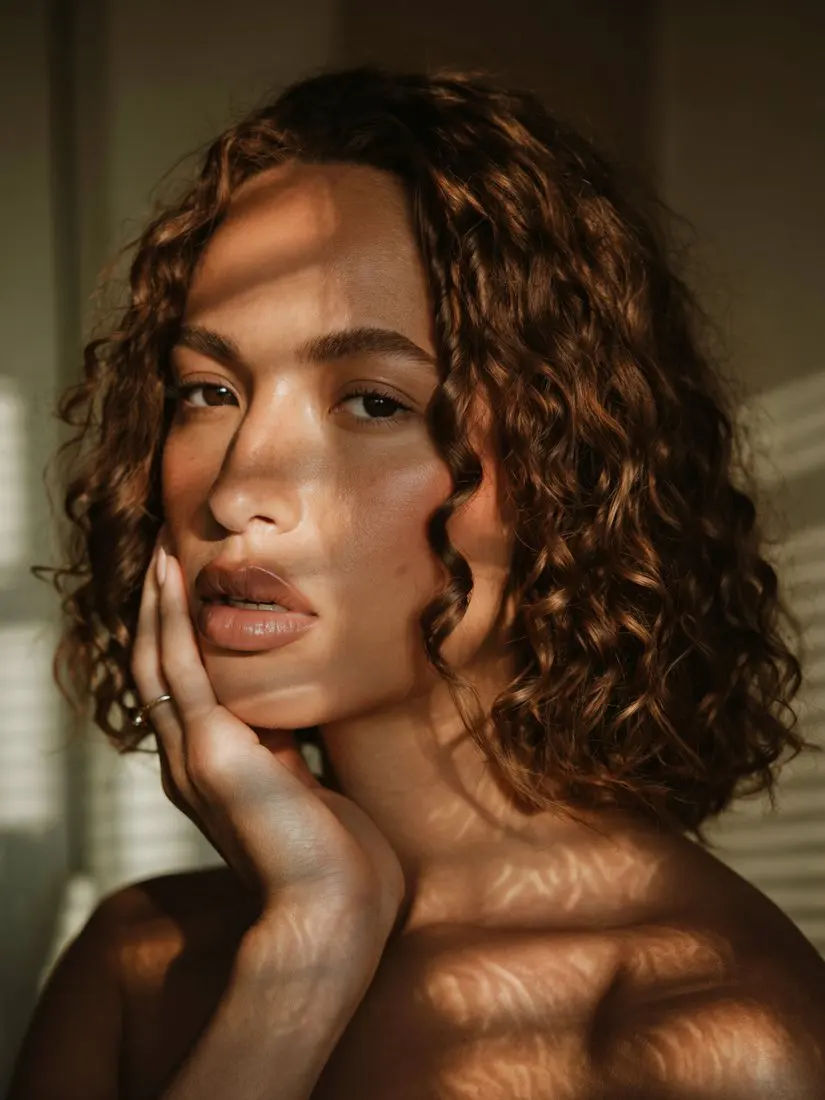
Window light, hand on the cheek. The pose stays. The face and the hair are new.
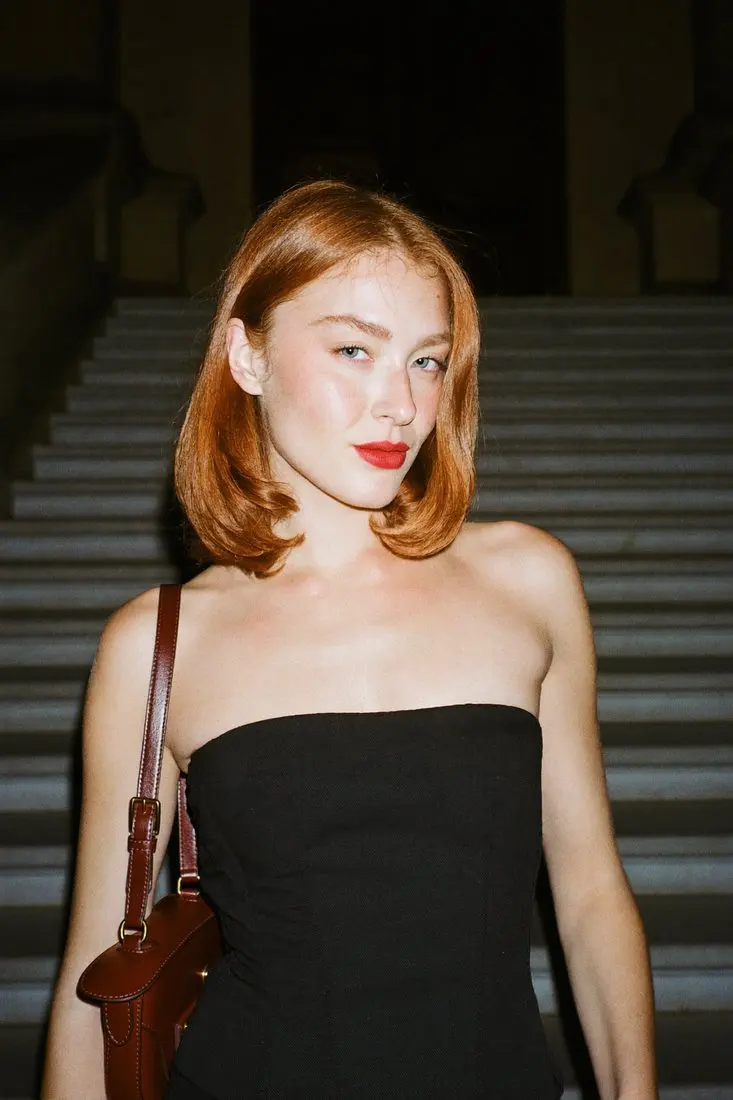
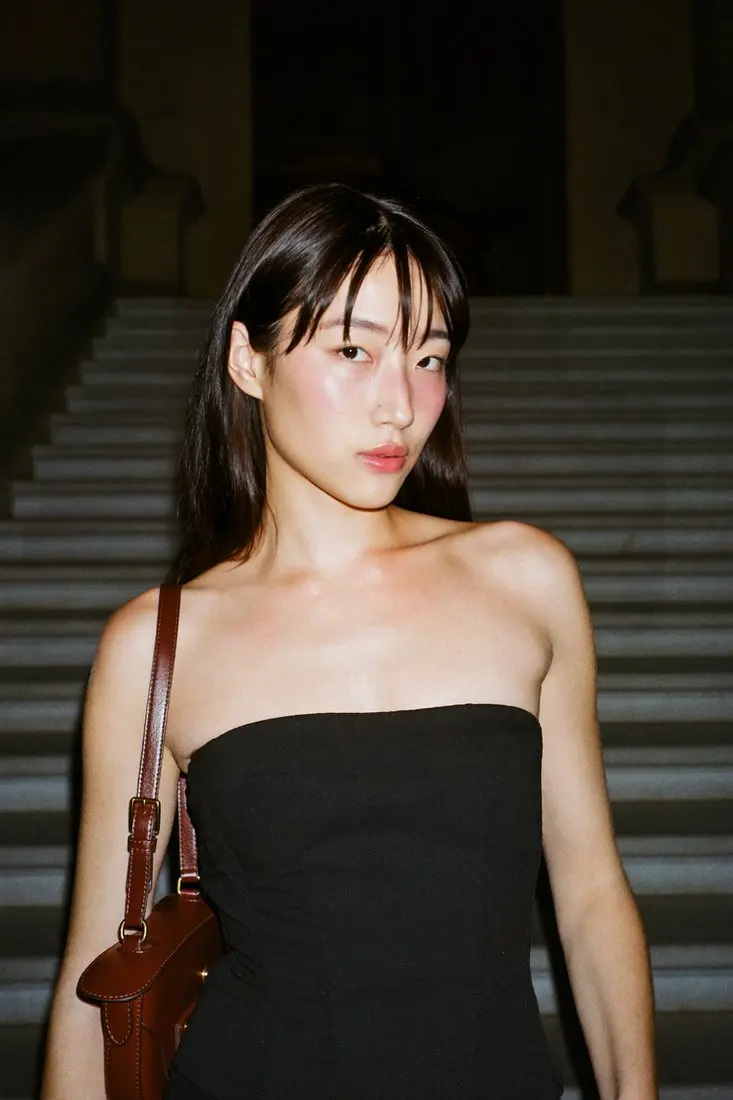
Black dress, dark stairs. The dress stays.

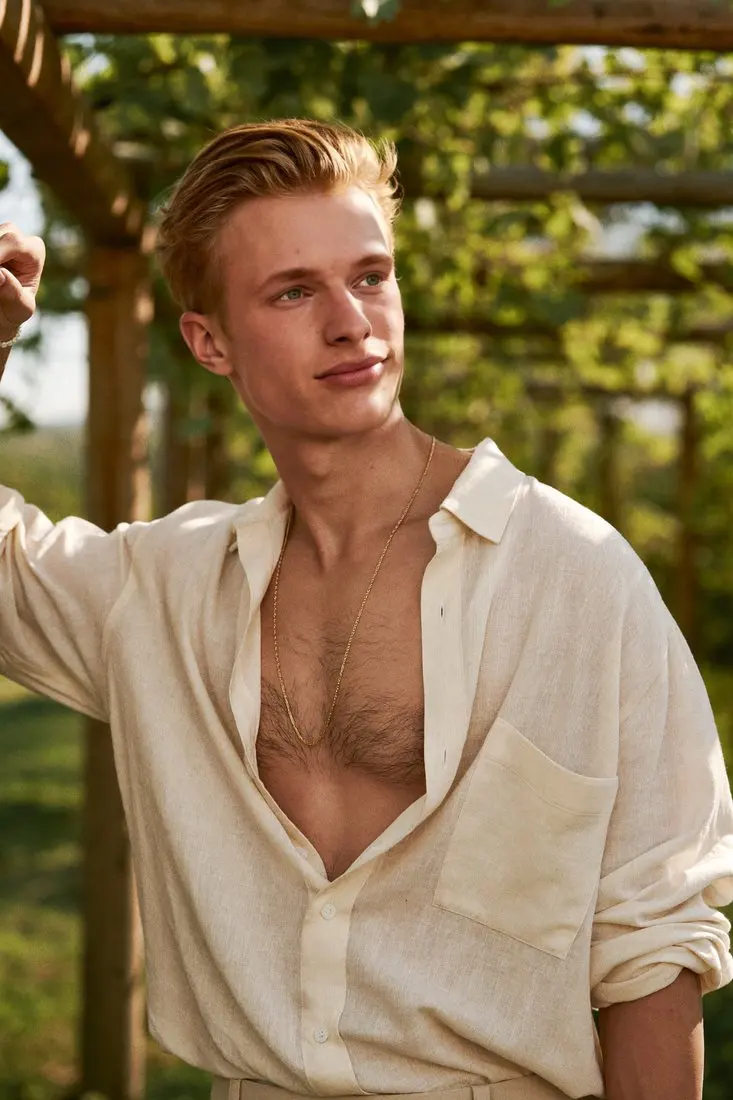
Linen shirt under a pergola. The shirt stays. A catalogue team starts from a frame like this when they need to change the model in product photos.
When to choose which
- You need a different person with different hair. That's a head swap. The hairline and head shape are part of the edit, not a tidy-up afterwards.
- You searched for a face swap, but the photo is fashion or product. You still want the whole head. Say so in the brief, so everyone knows the hair changes too.
- You're tempted to paste in just the face. The edge shows, and the hair doesn't match the new face. That's why the result looks stuck on.
Only use people who have agreed, and no public figures. Uploads are deleted within 24 hours of upload and results within 24 hours of being made. We never use photos or results to train AI models. The rules are on the responsible use page.
What the results are based on
About 22,000 images generated on Headloom's Hugging Face Space.
Results come back in high resolution, with no pixel shift. Headloom works on photos. A video edit isn't available.
Questions
What's the difference between a face swap and a head swap?
A face swap changes the face. A head swap also replaces the hair, hairline and head shape. On Headloom both rebuild the face and hair together, so the result looks natural.
Does a face swap on Headloom change the hair too?
Yes. The face and hair are rebuilt together. It does not keep the original hair.
When should I use a head swap instead?
When the new person needs different hair, a different hairline or a different head shape. That's typical for fashion and catalogue work.
Will either one change the clothes or pose?
No. Only the head region changes. The garment, pose, hands, background and light stay as shot.
What quality do I get?
High resolution, with no pixel shift.
Is there a free way to try both?
Yes. 10 free swaps when you sign up, during beta. No card.
Can I face-swap or head-swap a video?
Not yet. Headloom works on photos.
Whose faces can I use?
Only people who have agreed, and no public figures.