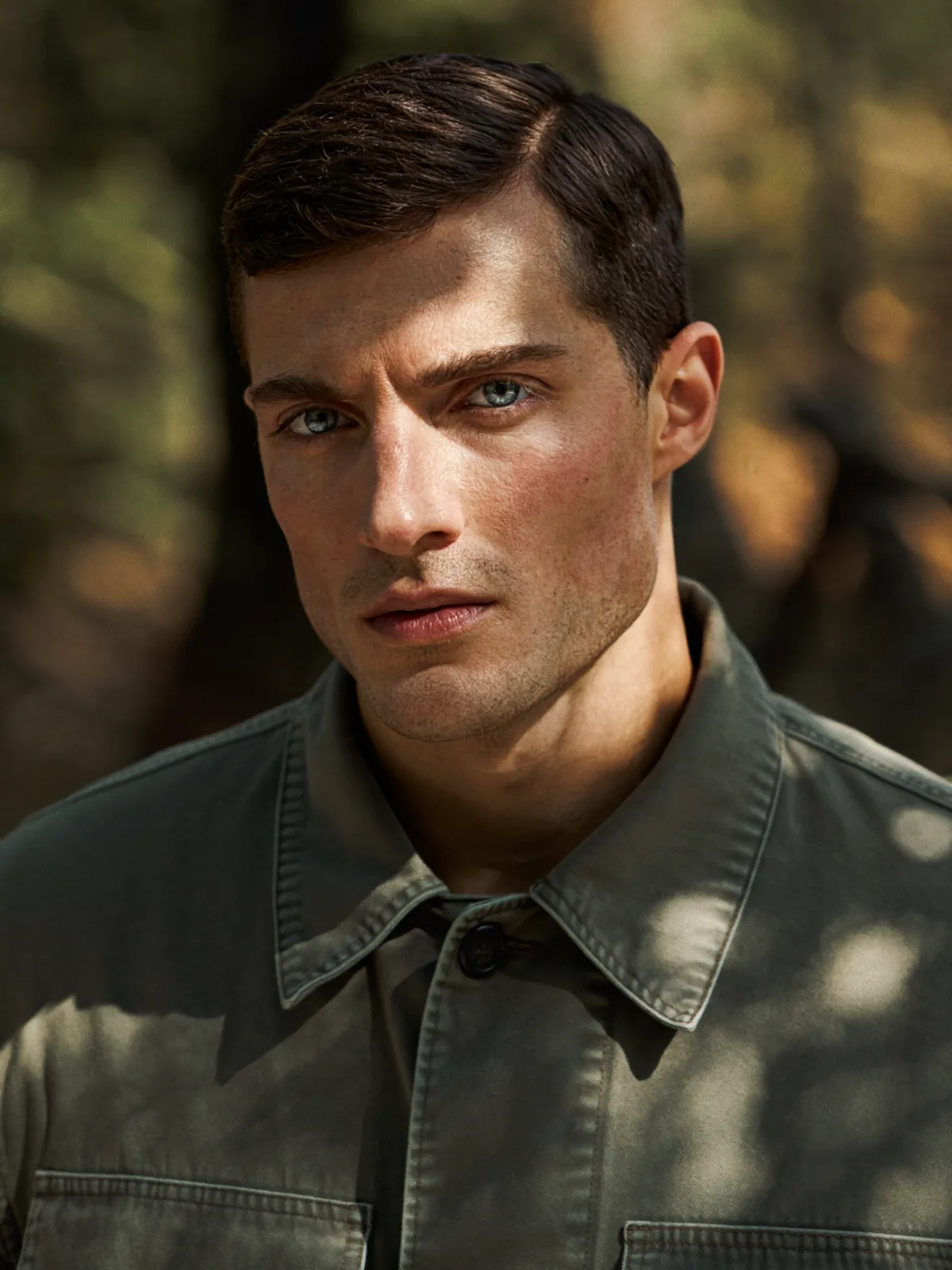
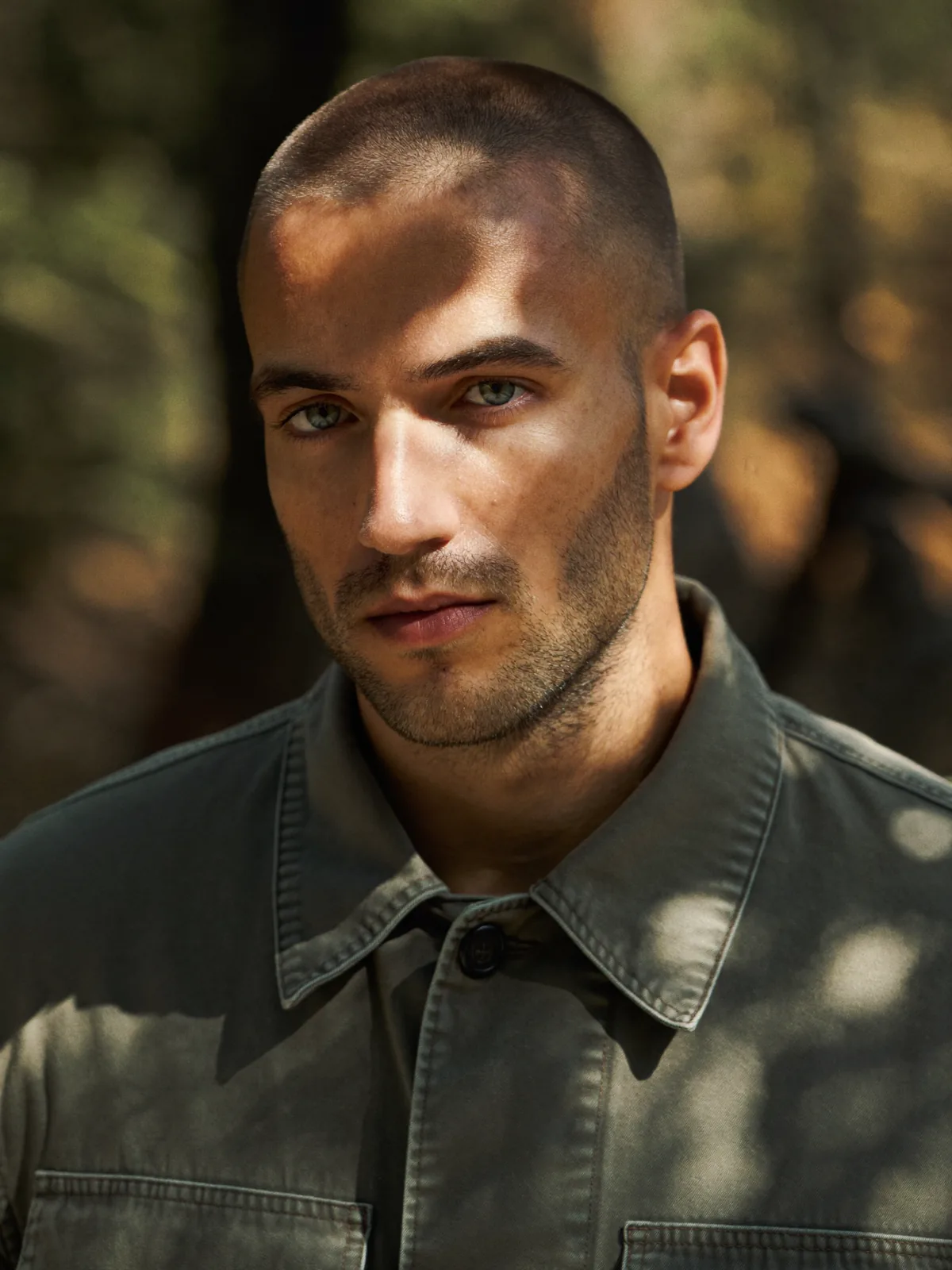
What a model swap changes
A model swap starts from a product photo that is already approved. The garment is right, the light is right, and the set is right. Only the person wearing it should change.
| Part of the photo | What happens |
|---|---|
| Garment, print and colour | Untouched |
| Fit and drape | Untouched |
| Pose and hands | Untouched |
| Background and set | Untouched |
| Light | Untouched |
| The model (face and head) | Changed |
| Hair and hairline | Rebuilt for the new model |
| Skin at the neck | Matched |
Under the hood this is a head swap: the whole head is replaced, and the hair is rebuilt so it belongs to the new model. The original hair is not kept.
Why catalogue teams swap the model
- The model is no longer available. A model leaves, or their usage rights run out, and the photos still sell the product. Guide: Model usage rights expired? Keep the shot, change the face.
- A different face for each market. The same shoot, with a model chosen for each country or audience, without a shoot per market. Guide: Localize model photos per market without a reshoot.
- One face across the whole catalogue. Garments shot on different days, or by different photographers, shown on one approved person. Guide: Keep one AI model face consistent across a catalogue.
- No reshoot for a small change. The light, the set and the garment were right. Only the person needs to change. Guide: Change the model in product photos without a reshoot.
How to swap the model in three steps
- 1. Upload the product photo. Upload the finished photo of the model wearing the garment.
- 2. Upload the new model. Upload a clear photo of the head of the person you have permission to use.
- 3. Get the same shot back. Get the same photo back with the new model. The garment stays as shot.
There is no mask to paint and no prompt to write. You confirm that the people in both photos agreed, and the swap runs in about a minute.
Model swap or a generated model?
Many fashion AI tools generate a model from scratch, from a flat lay, a mannequin or a text prompt. That is the right tool when there is no photo of a person yet.
Headloom does the other job. It starts from a real photo of a person wearing the garment and changes only the head. The garment pixels are not regenerated, so the print, the colour and the fit are the ones you photographed. If you only have a flat lay, Headloom is not the tool for that photo.
Examples
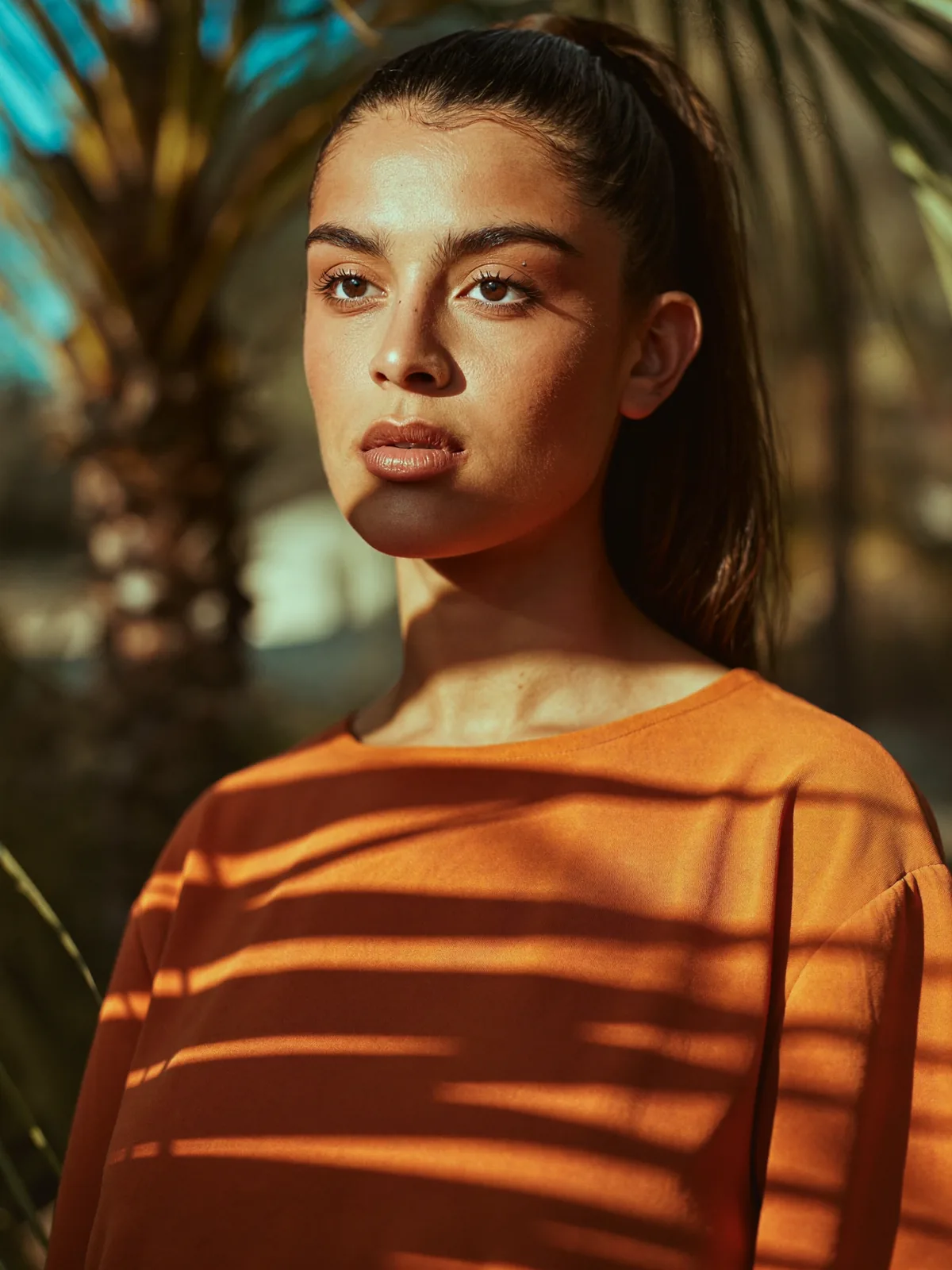
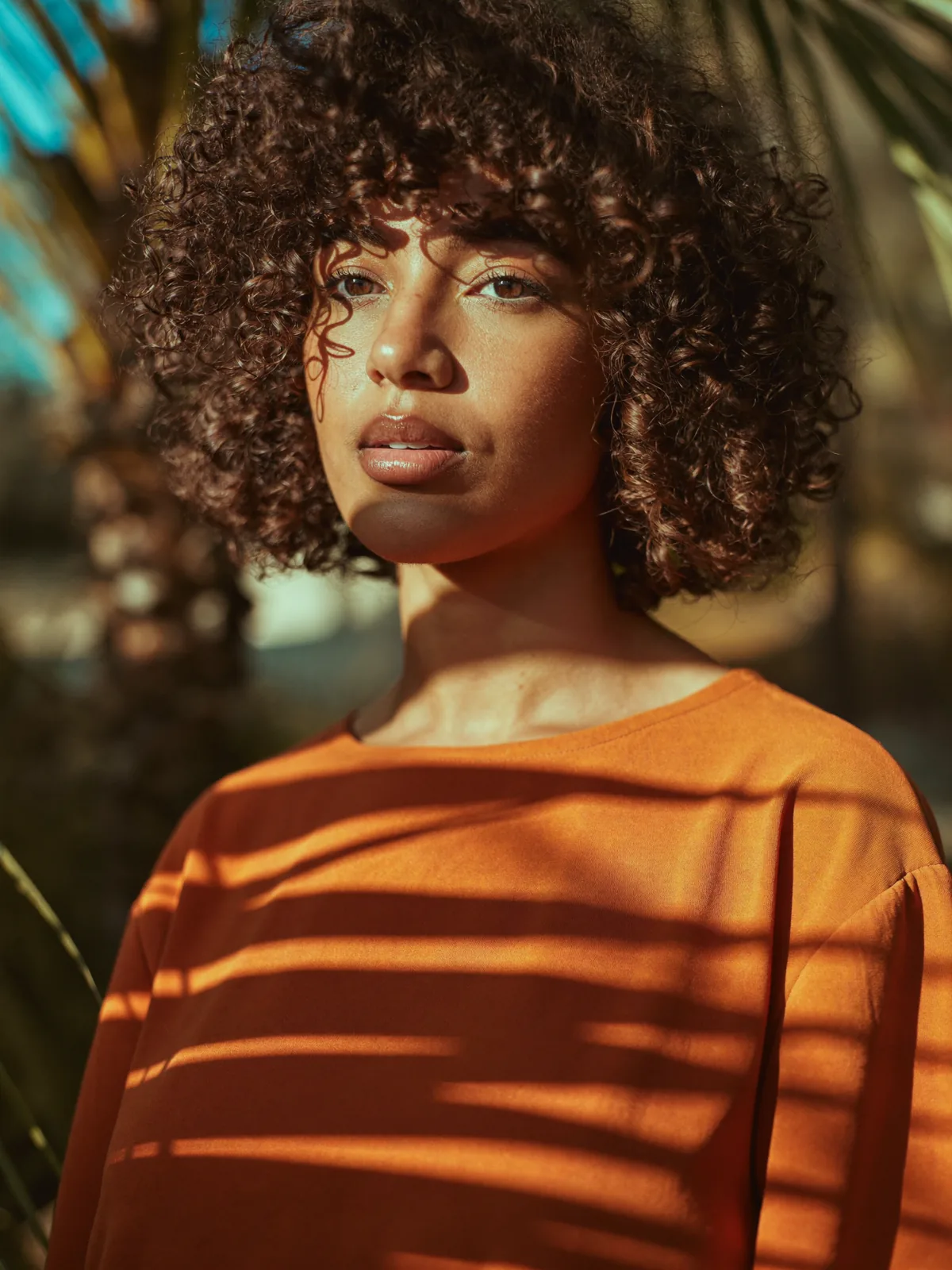
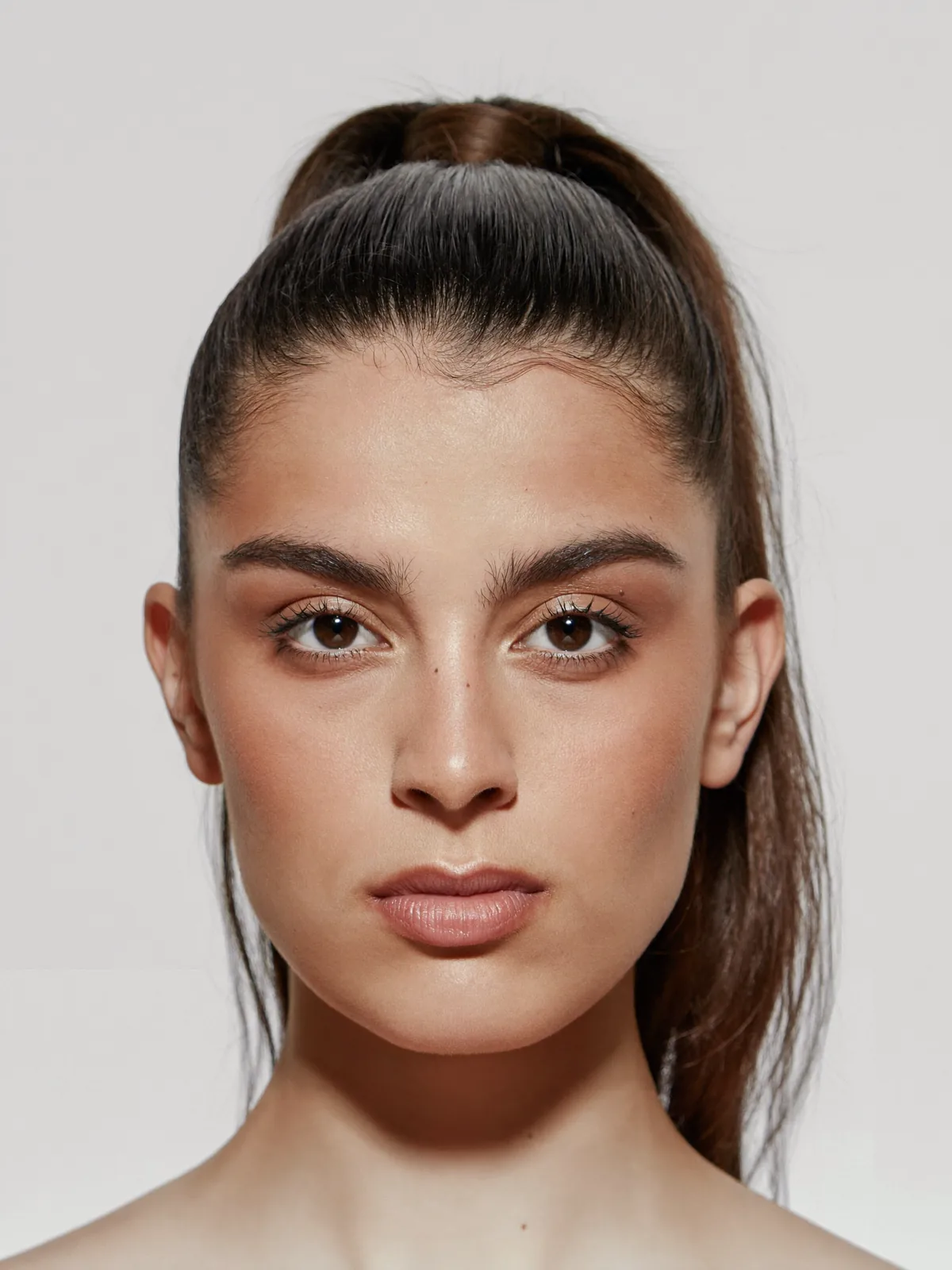
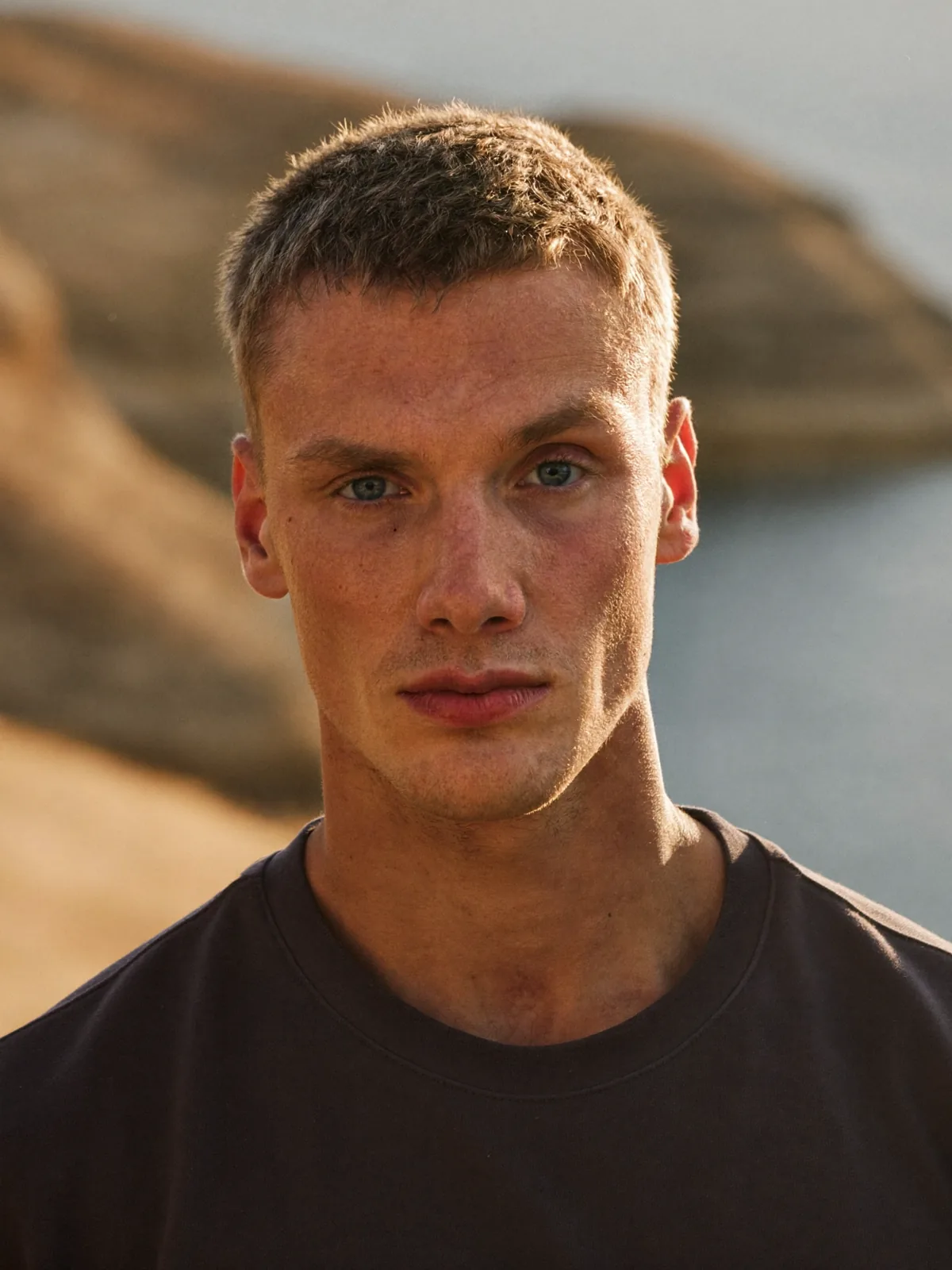
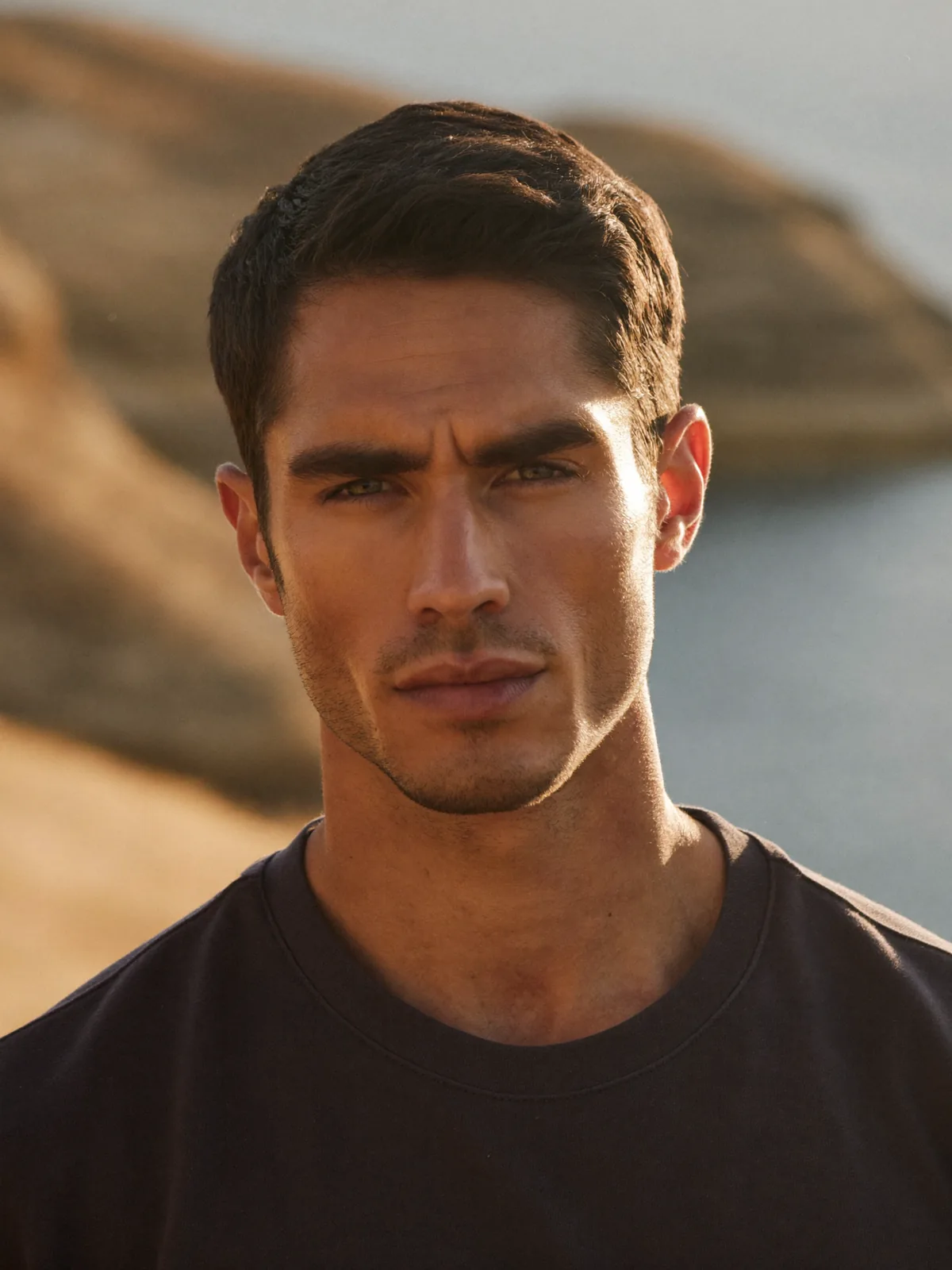
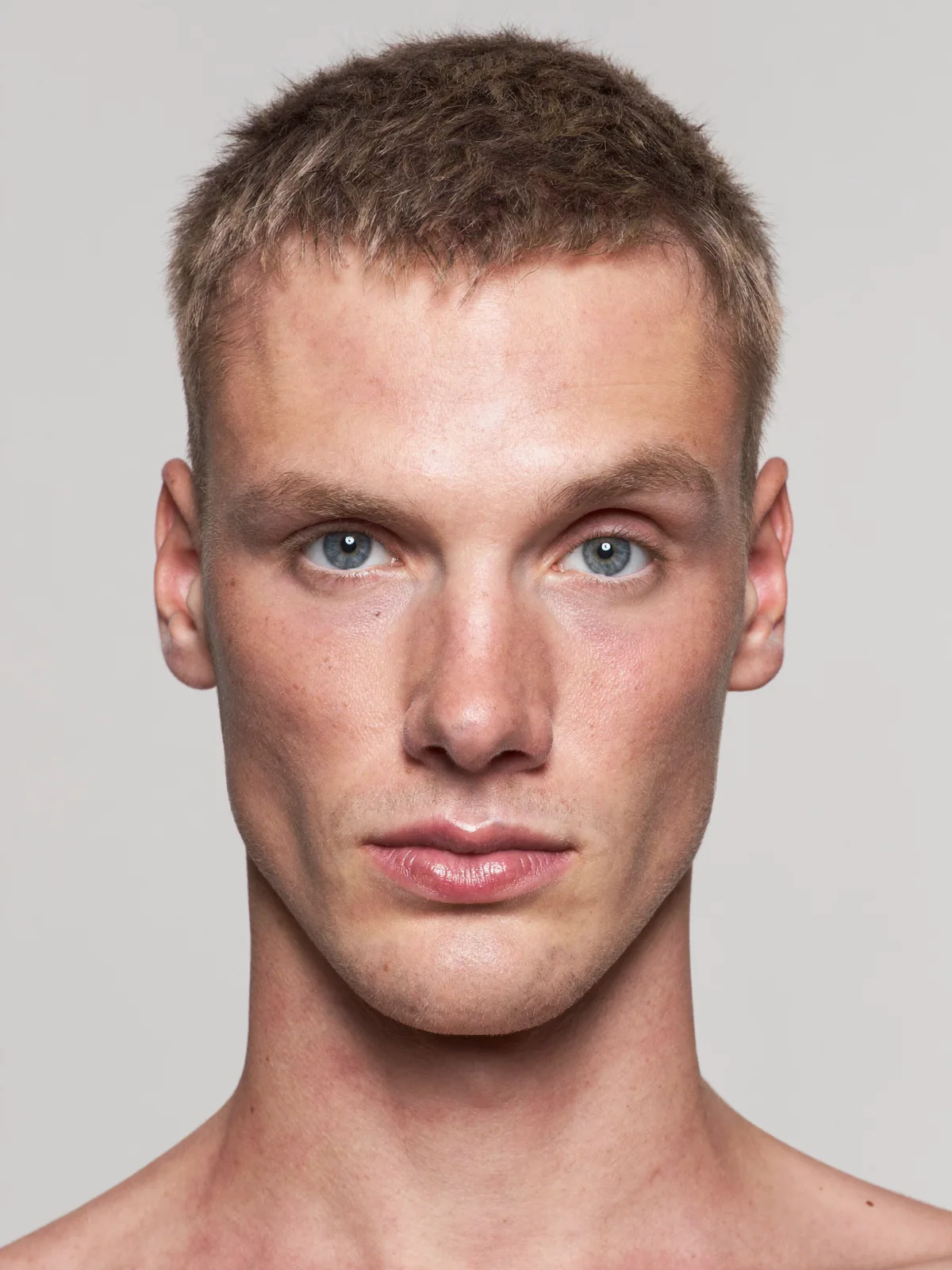
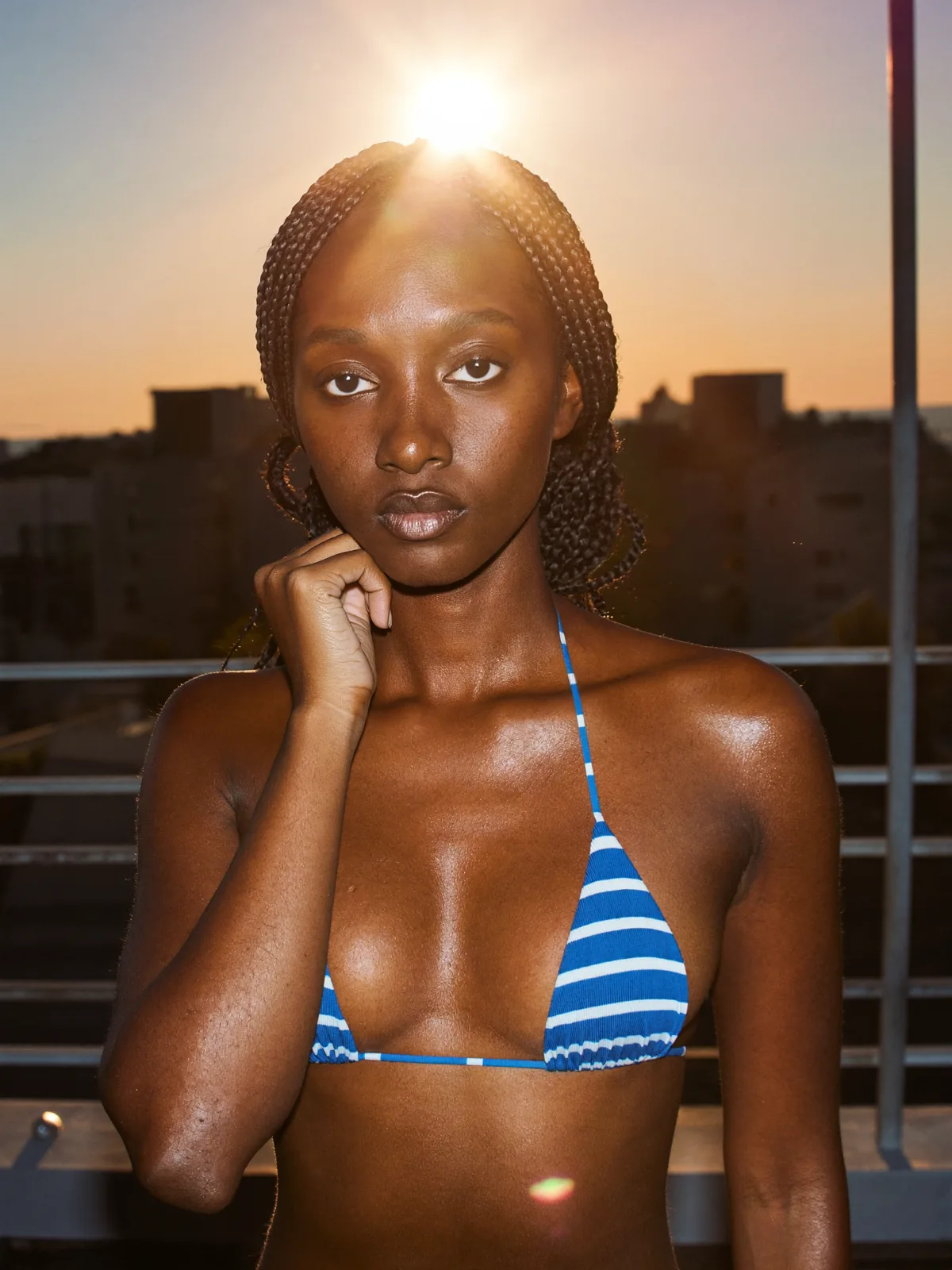
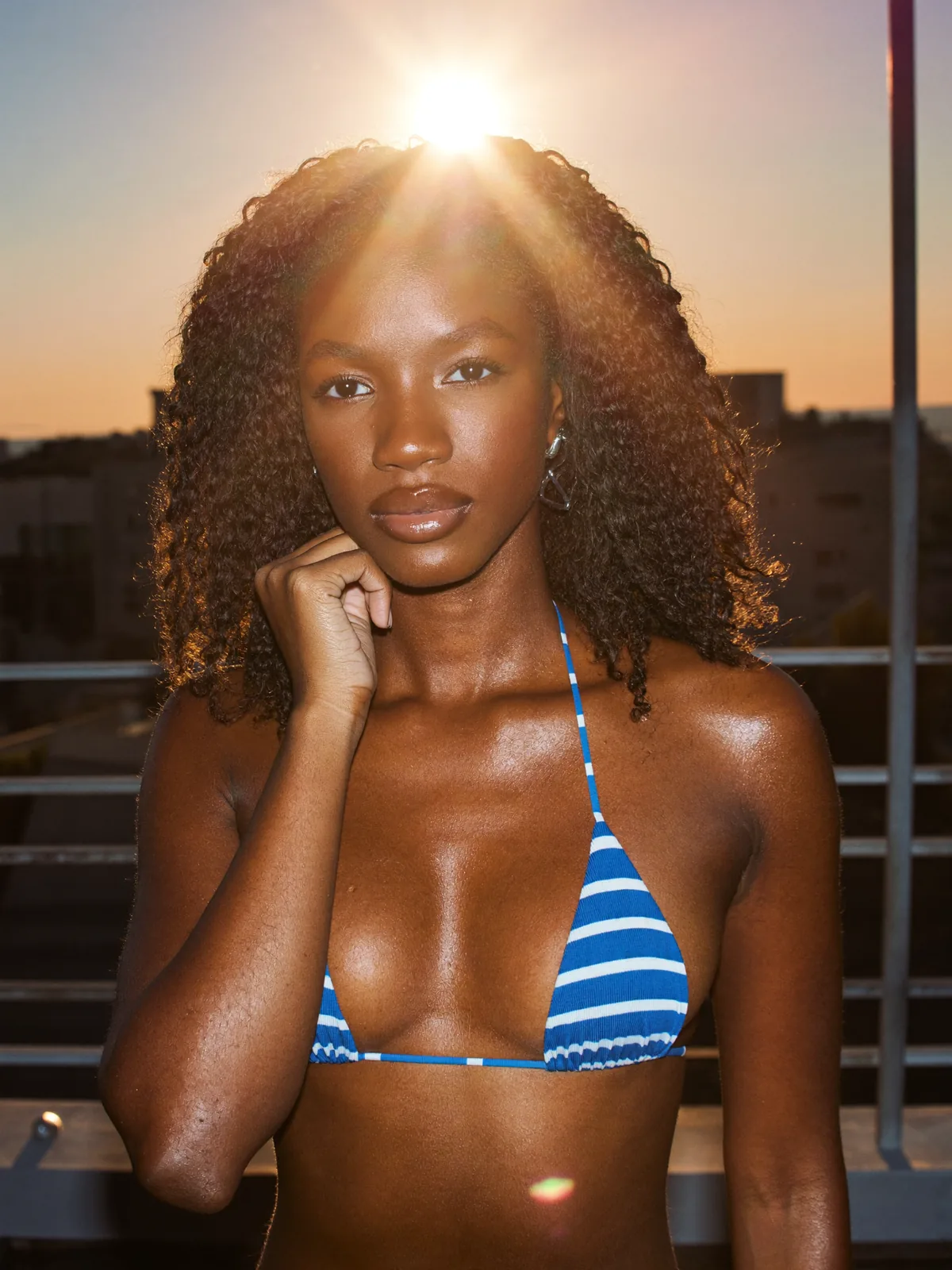
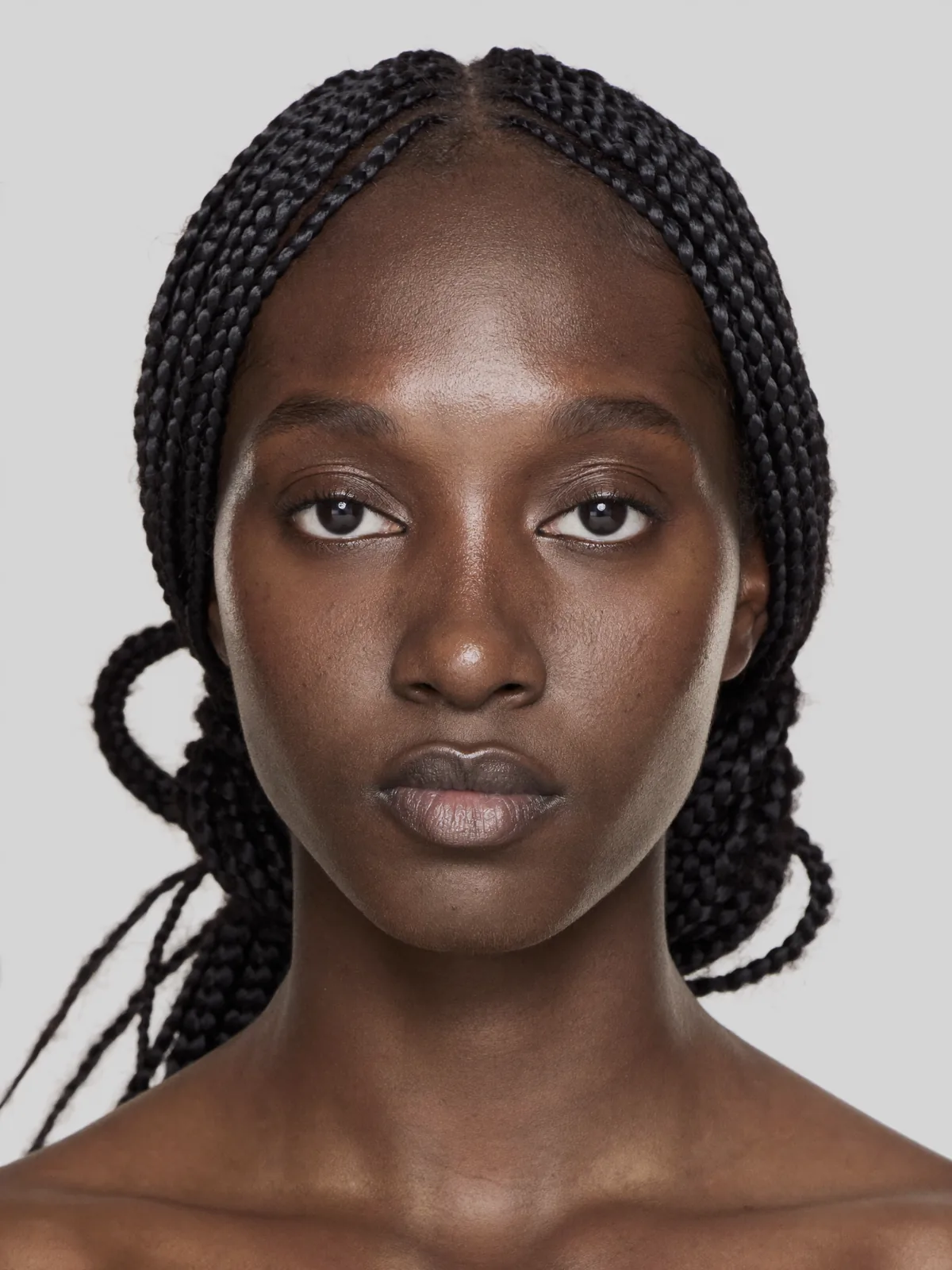
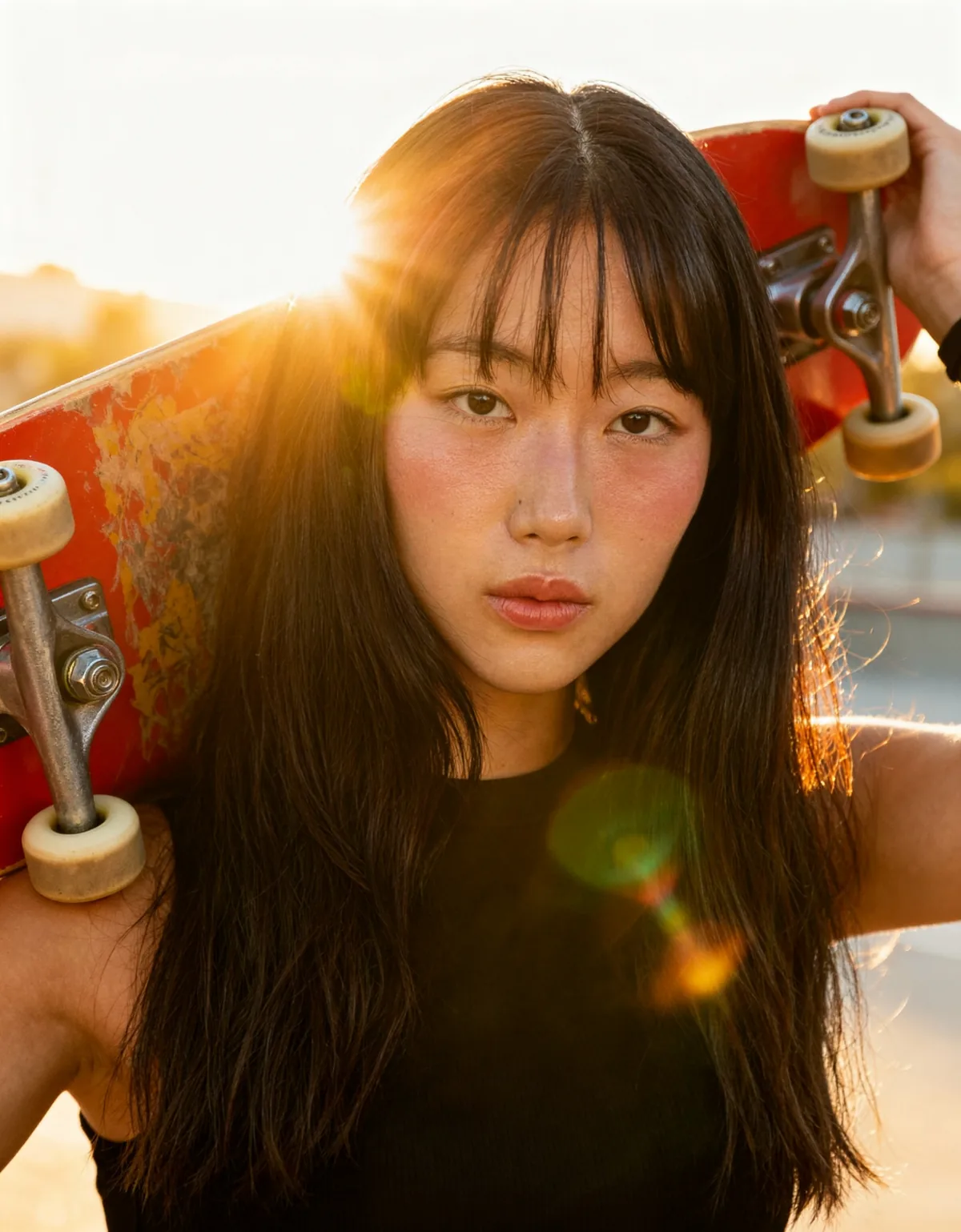
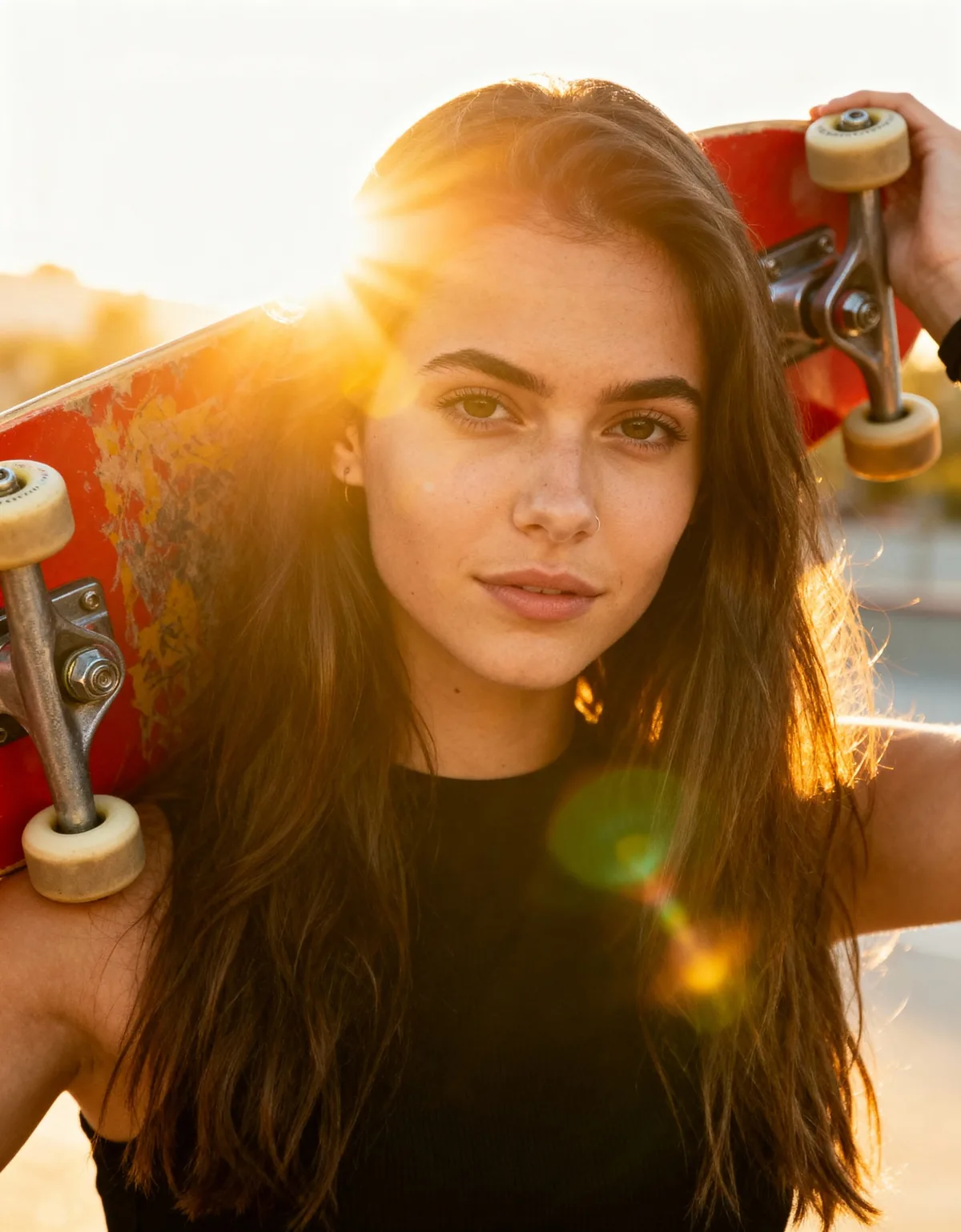
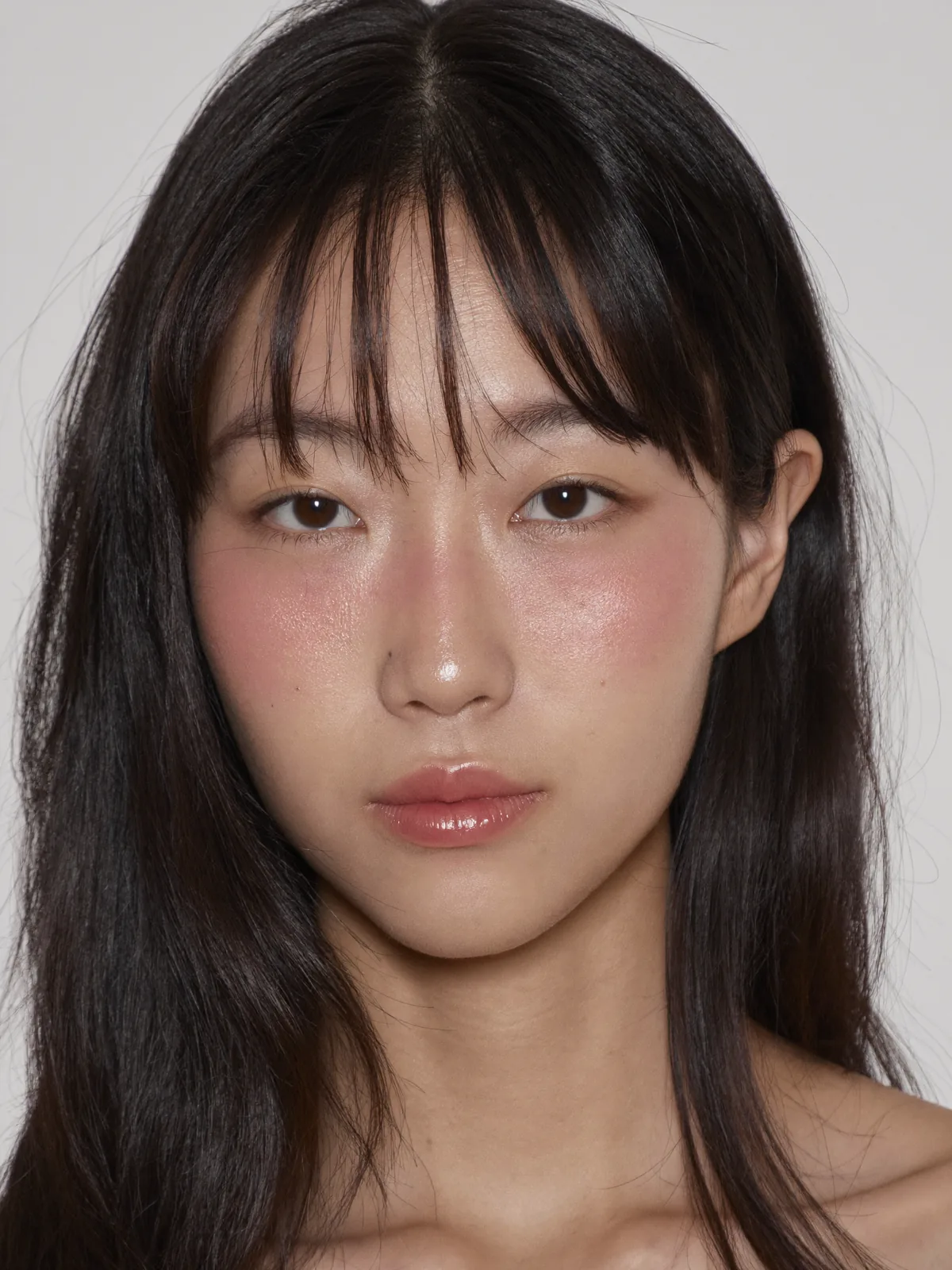
Stored replays of real swaps. Drag the line to compare. The small photo is the new model's reference photo. Clothes, pose and light stay as shot.
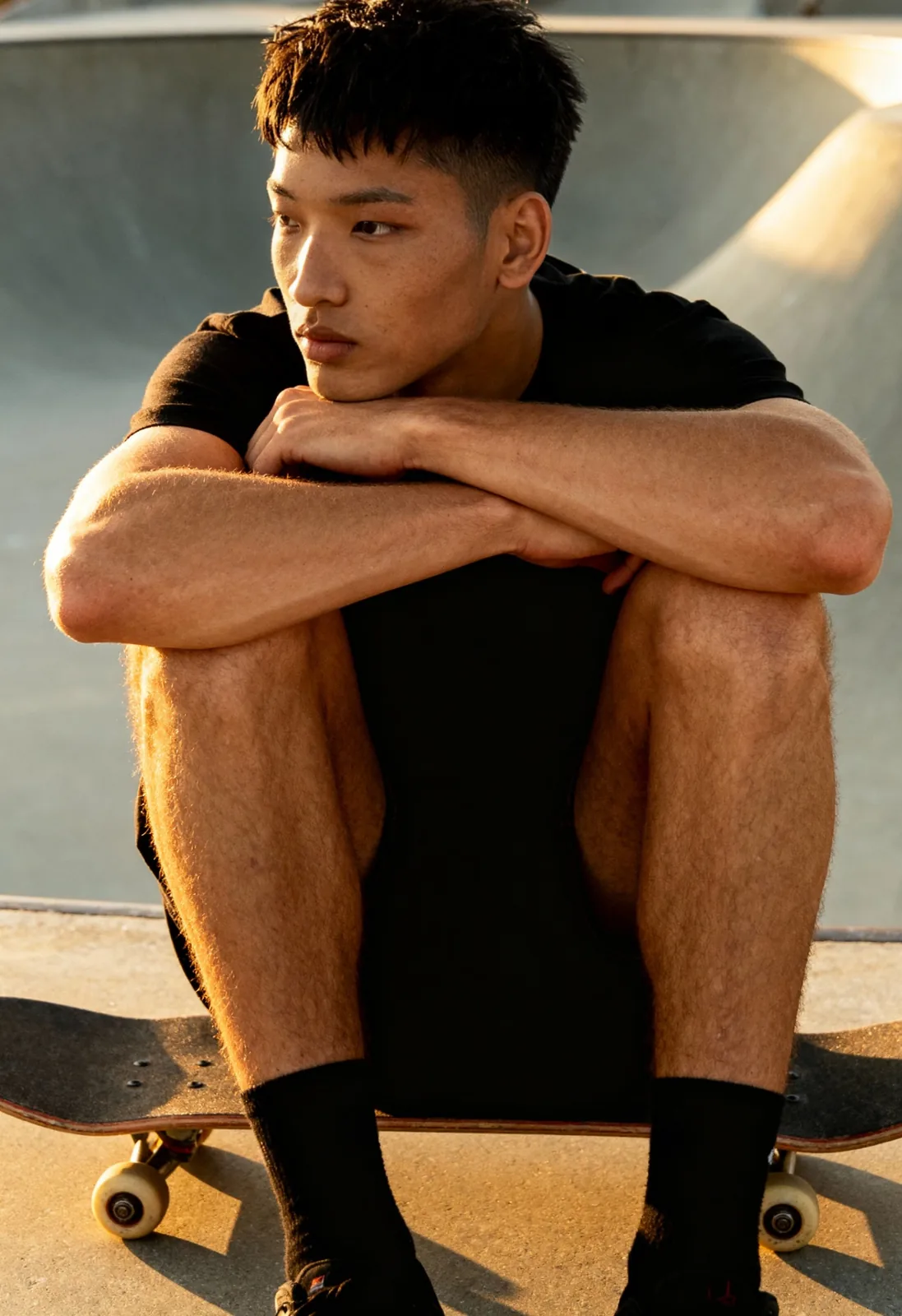
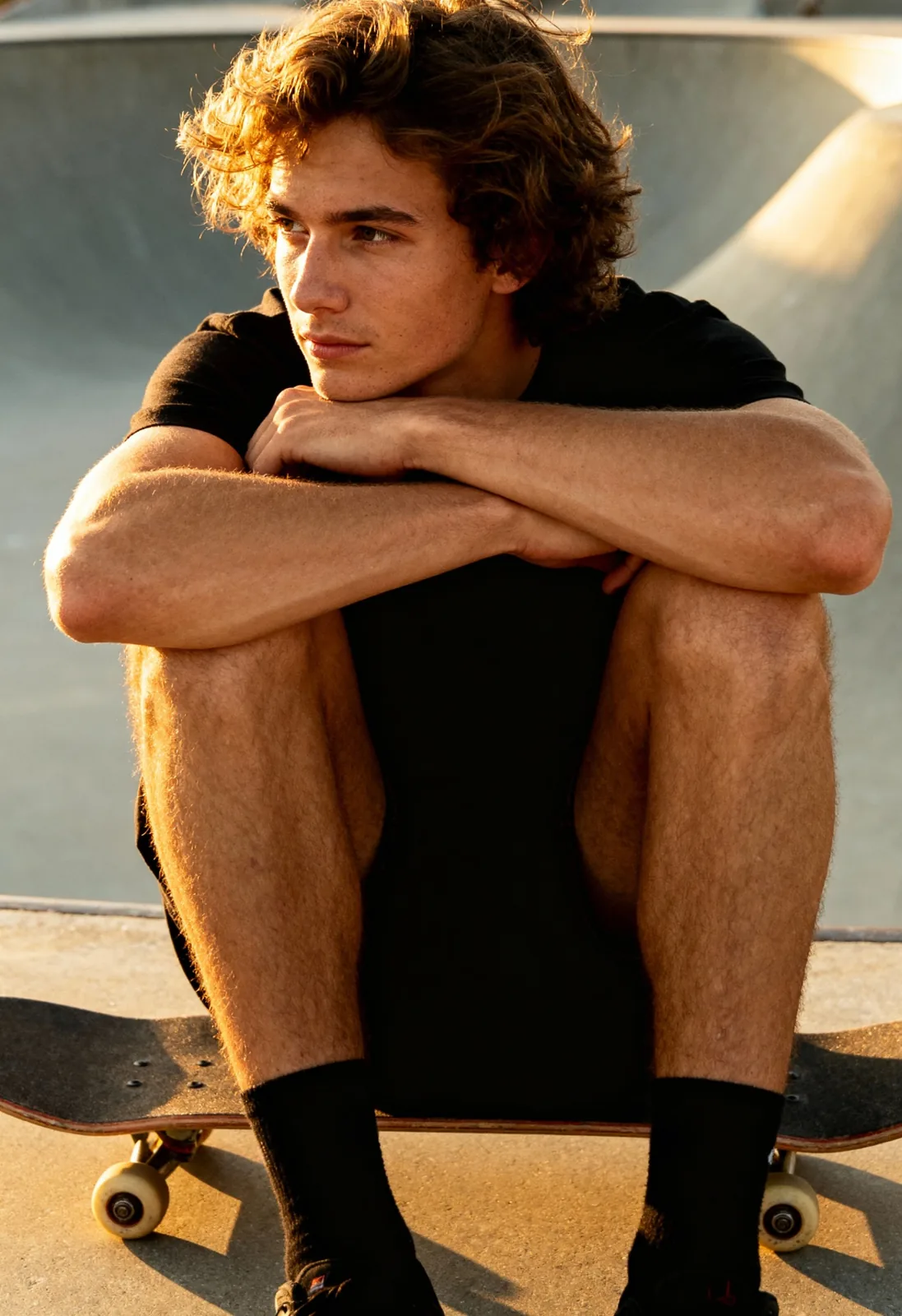
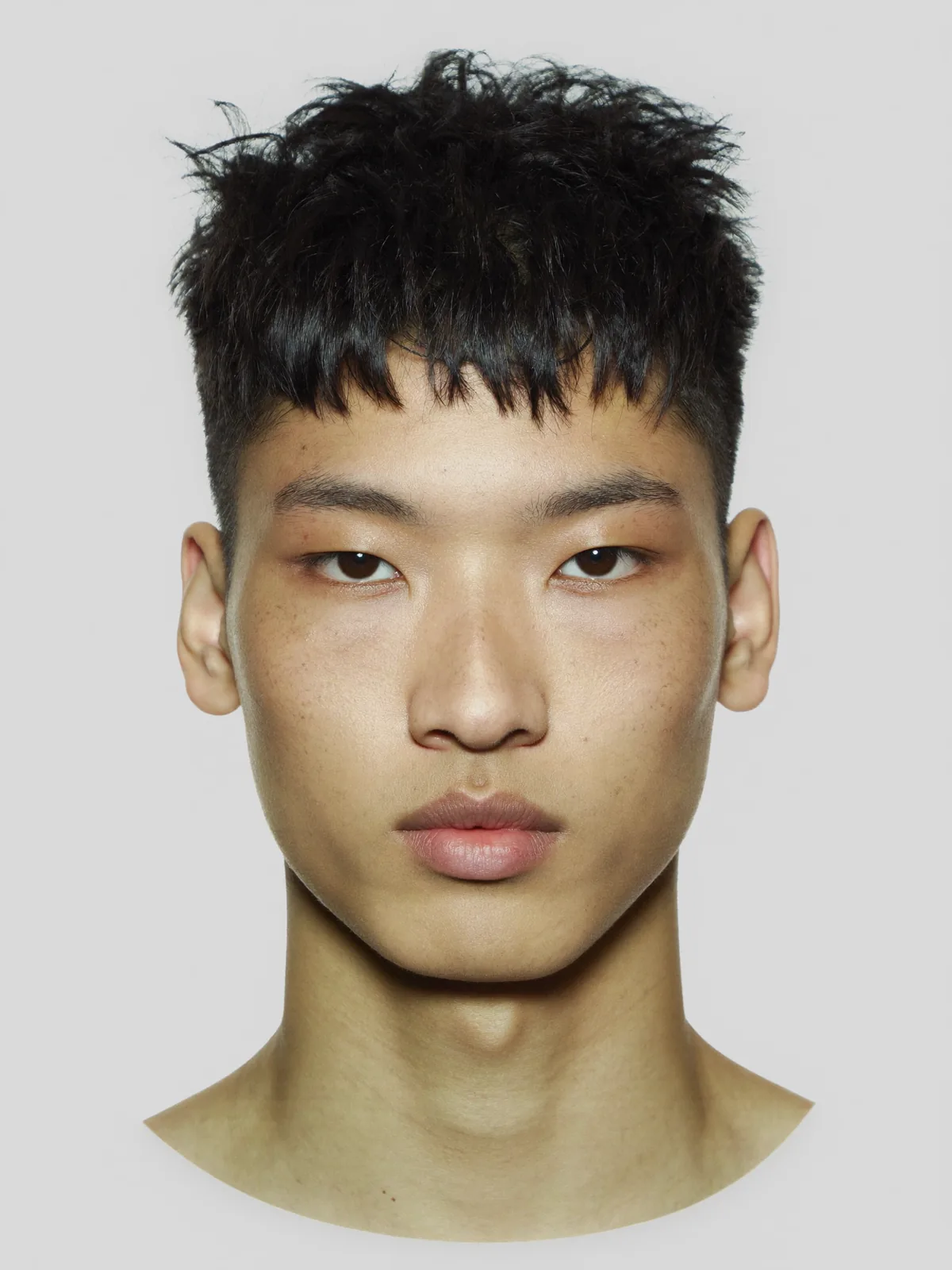
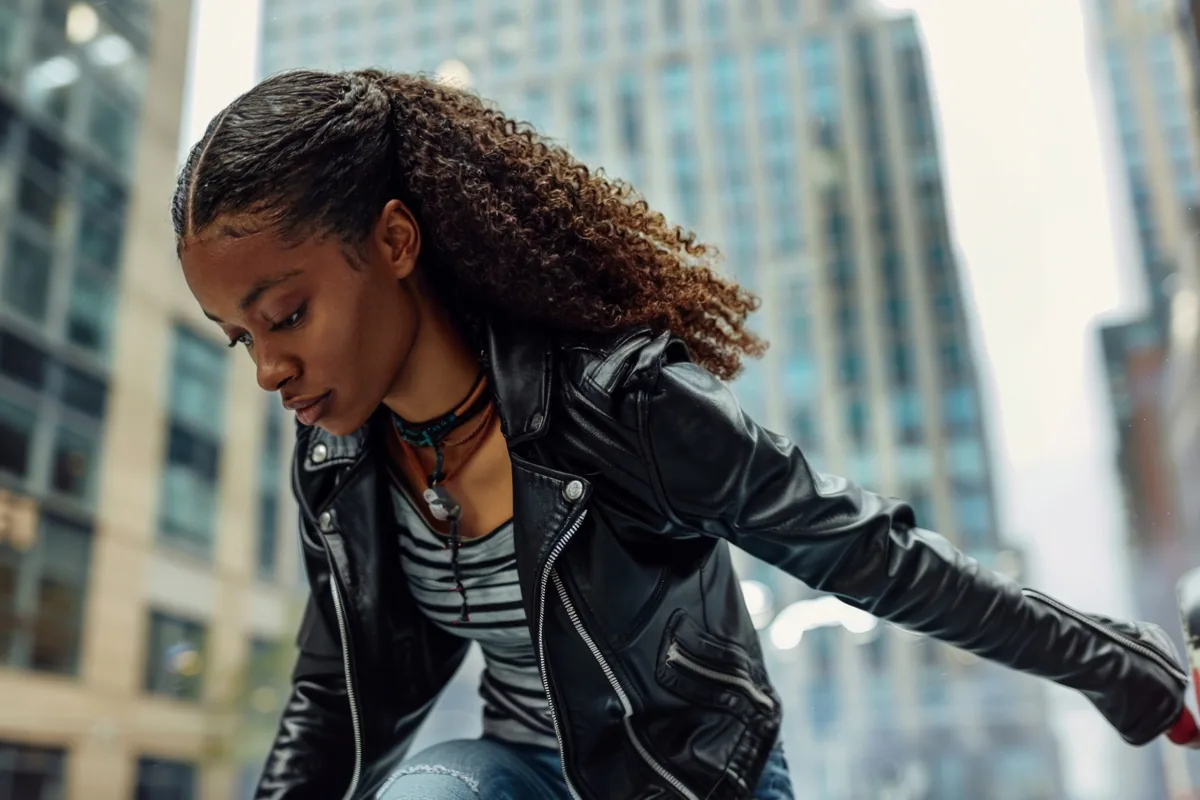
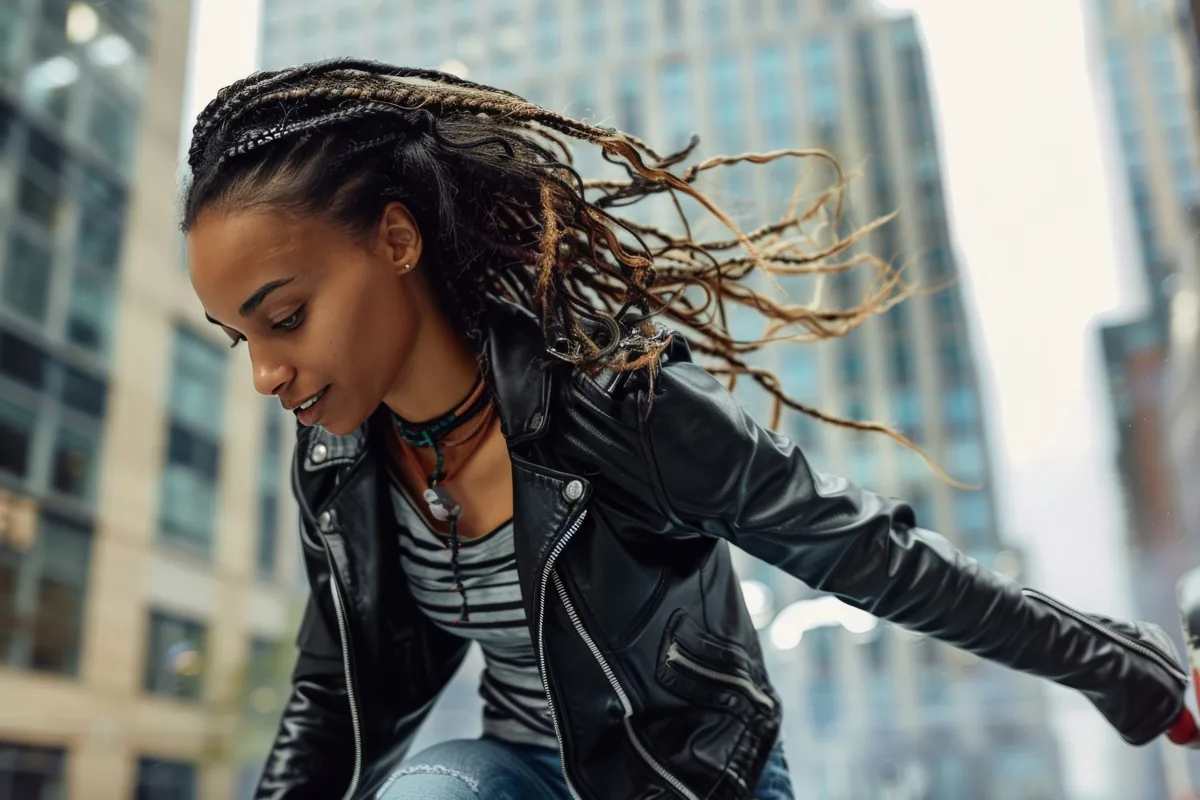
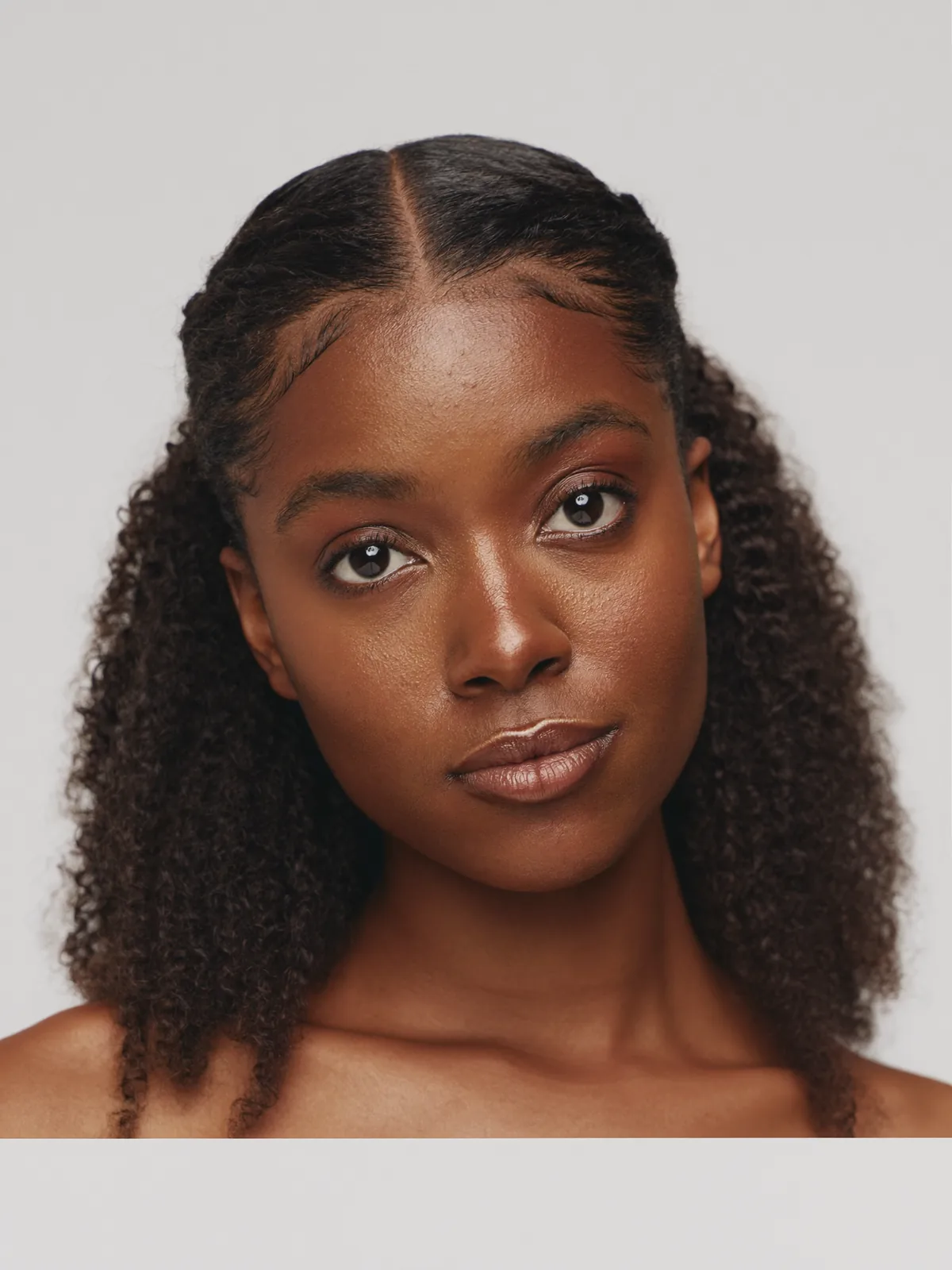
Where it has already been used
22,000+ images generated.
Louis Philippe uses Headloom for its shirt catalogue, with one approved face across every shirt. The same face is on the mint shirt, the light blue shirt and the cream linen shirt.
Quality and speed
Results come back in high resolution, with no pixel shift. About a minute per photo.
Every plan gives the same output. Plans differ only in price and swaps a month.
Consent, labels and privacy
Only use people who have agreed to it. A swap stays off until you confirm that you have permission from the people in both photos and that everyone shown is an adult. Keep a model release for anyone whose face you use.
Marketplaces and ad platforms have their own rules on AI-edited images. Check them before you list. Photos are used for your swap only, deleted within 24 hours and never used for training. The responsible use page lists what the tool must not be used for.
Pricing
5 free swaps when you sign up, during beta. The first free swap has no watermark; the other four carry a small Headloom watermark. Paid swaps never do. After that, plans start at $9 a month, and a full catalogue run costs about 9 cents a swap on Pro. See pricing.
Comparing tools
Looking at other options? Read how Headloom compares with FASHN Model Swap, Magic Hour Head Swap, Akool Face Swap and Vidnoz AI Head Swap, from their published plans and features.
Questions
What is an AI model swap?
It replaces the person in a finished fashion photo with a different person. On Headloom the whole head is replaced, hair included, and the garment, pose, hands, background and light stay as shot.
Will the clothing change?
No. Only the head changes. Prints, colours, buttons, seams and the fit of the garment stay as photographed.
Can I use one model across many products?
Yes. Use the same approved head photo for every swap, and the same person appears across the set.
Does it work on flat lays or mannequin shots?
No. Headloom changes a person who is already in the photo. For a flat lay or a mannequin shot, you need a tool that generates a model.
Do I need permission from the model?
Yes. Only use people who have agreed to it, in both photos. Before every swap you confirm that you have their permission. This is general information, not legal advice.
How long does a model swap take?
About a minute per photo, including a safety check.
Can I swap the model in a video?
Not yet. Headloom works on photos.
What happens to my photos?
Used for your swap only, deleted within 24 hours, never used for training.